

"Hey Product Hunt! 👋 I’m Bryan, the maker of ClawMote. I built this because I was tired of being 'desk-tethered.' I’d be leaning back on the couch, deep in a Wispr Flow dictation or an OpenClaw session, and I’d have to physically reach forward just to hit that FN key or keyboard shortcut or move m...





Discussion (1)
"Hey Product Hunt! 👋 I’m Bryan, the maker of ClawMote.
I built this because I was tired of being 'desk-tethered.' I’d be leaning back on the couch, deep in a Wispr Flow dictation or an OpenClaw session, and I’d have to physically reach forward just to hit that FN key or keyboard shortcut or move my mouse just to get the pointer in the chat window. It was the only thing stopping a truly free AI workflow.
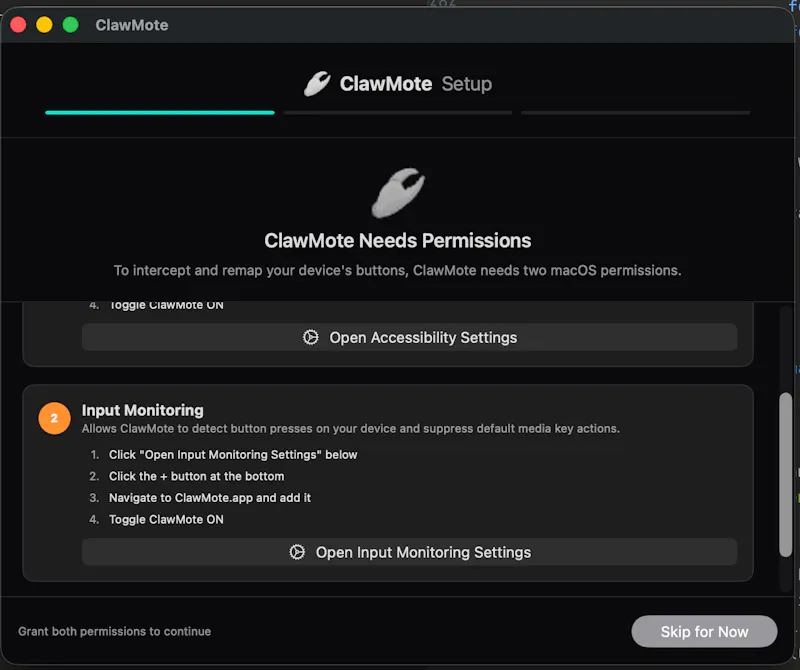
ClawMote is the bridge. It’s a lightweight, set-and-forget menu bar utility that puts total Mac authority in the palm of your hand.
Why you’ll love it:
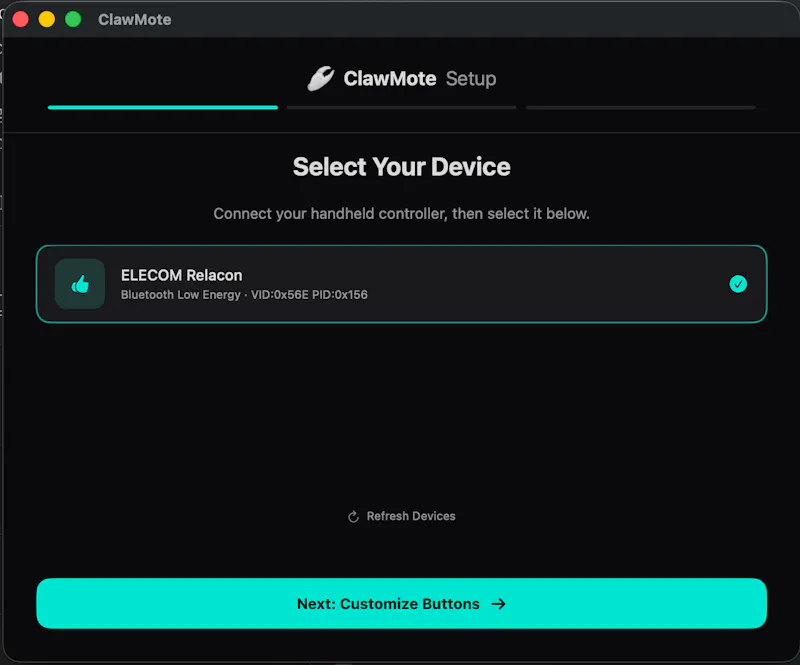
One-Hand Total Control: Map Wispr Flow, OpenClaw, and keyboard shortcuts to a handheld device.
Lightweight: It lives in your menu bar and stays out of the way.
No Subscriptions: Try it free for 7 days. If it changes your workflow, it’s a one-time $20 payment to own it forever.
I’m here all day to answer questions. I’d love to hear—what’s the one 'desk-bound' shortcut you can’t wait to move to your handheld setup? 🦀🦾
I know it's simple, but I have Command+S mapped to a button for quick and easy OpenClaw session saves as backups!
Ditch the desk. Keep the power."